Section 1/6Consent Mode in GA4: basic or advanced
The cookie banner leaves GA4 half-blind. How to measure deals anyway
Visitors who decline do not show up in GA4, and on most smaller websites Google does not fill the gap. Companies that count deals at the source still get the right numbers.
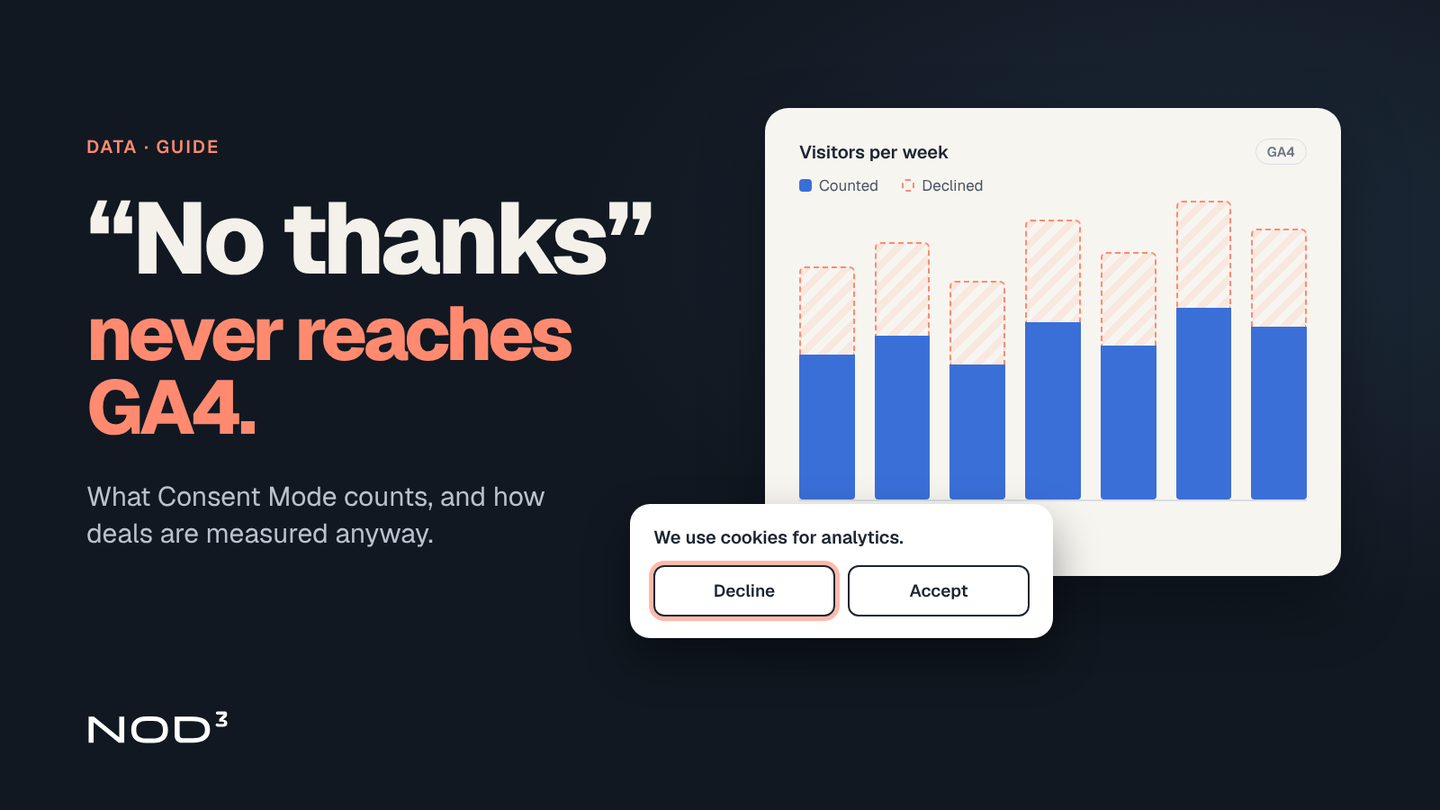
Many companies see the same thing: GA4 shows fewer visits and conversions than actually turn up in sales or in the CRM. Often nothing is wrong with the setup; the cookie banner is simply doing its job. Visitors who decline analytics cookies are not counted, and for most smaller websites Google does not fill the gap.
This guide covers what Consent Mode in GA4 actually does when someone says no, why modelling rarely switches on for smaller websites, what the Swedish Post and Telecom Authority (PTS) requires of the banner (opens in a new tab) (in Swedish) and how a company can still measure what counts: inquiries and deals.
Consent Mode in GA4: basic or advanced
Consent Mode is how Google lets its tags know what the visitor chose in the banner. There are two modes, and the difference decides what reaches GA4 at all. The table is based on Google's description of the two modes (opens in a new tab), except the last row, which is our assessment:
| Basic | Advanced | |
|---|---|---|
| When do Google tags load? | Only after the visitor answers the banner | As soon as the page opens |
| If the visitor declines | No data at all is sent, not even the choice | The choice and cookieless pings are sent |
| Modelling | Only Google's general model for Ads conversions | A more detailed, advertiser-specific model |
| Our legal assessment | Easiest to defend | Should be reviewed before switching on |
Google calls these advanced-mode signals cookieless pings. Sending data without cookies does not automatically remove the need for consent. The rules PTS describes (opens in a new tab) (in Swedish) concern storing or reading information on the visitor's device, not just cookies in the narrow sense. Our view is therefore that advanced mode needs its own legal review before it is switched on. We run basic mode on nod3.se ourselves.
Companies advertising in Google Ads face one more requirement: advertisers who want to keep using measurement, ad personalisation and remarketing (opens in a new tab) must collect consent from visitors in the EEA and share the consent signals with Google. The same page notes that blocking tags until the visitor responds to the banner, which is what basic mode does, may lead to data loss. That is a real trade-off for companies that spend heavily on Google Ads.
Modelling does not fill the gap on smaller websites
The usual argument for advanced mode is that Google models the visitors who declined. That is true, but only above a certain volume. According to Google's help page on behavioural modelling (opens in a new tab), modelling requires advanced mode on every page, and the GA4 property must also:
collect at least 1,000 events per day from visitors who declined, for at least 7 days, and
have at least 1,000 daily users who accepted, on at least 7 of the previous 28 days.
Even then, the model is not guaranteed to switch on. Without enough traffic from people who accepted there is no estimate at all: events from people who declined are not reported. And even when modelling runs, it does not apply everywhere. Audiences, retention reports, some explorations and data export, for example to BigQuery, do not use modelled data.
For a company with a few hundred visits a day, that means one thing: GA4 shows the visitors who said yes, no more and no less. That does not make GA4 useless. In our assessment, the share of people who accept rarely changes much as long as the banner stays the same, so trends and comparisons between pages and campaigns often remain valid. But the absolute numbers are too low, and they should not be used to calculate what marketing delivered.
GA4 shows the people who said yes. The deals live somewhere else.
Do not push for more yeses
The quick fix many try is making the decline button harder to find. That is not allowed. PTS, which supervises cookies in Sweden (opens in a new tab), is clear:
Declining must be as easy as accepting, in the same view and at the same moment.
The buttons must be designed in a similar way. The accept button must not be easier to click.
If the visitor makes no choice, only necessary cookies may be stored. Analytics cookies do not count as necessary.
Withdrawing consent must be as easy as giving it, for example through a button visible on every page.
Pre-ticked boxes, cookie walls, consent through inactivity and "I understand" buttons are not valid ways to obtain consent.
In 2022 and 2023, PTS reviewed how websites comply with the rules and issued decisions that serve as guidance. A compliant banner can still be a good one: clear text about what the statistics are used for, and a design that does not feel like an obstacle. But the goal is an honest choice, not a higher number.
Measure deals where they live
What matters most to a small or mid-sized company is rarely the number of visits. It is inquiries, quotes and orders. They already live in the CRM, the order system or the accounts, and they are counted there without any cookies. An inquiry through the contact form is an inquiry whatever the sender chose in the banner.
Here is how to set up the measurement:
Count results at the source. The number of inquiries, meetings and deals per month comes from the CRM, not from GA4.
Save where the inquiry came from. A field in the form ("How did you find us?") or the campaign name in the link is saved with the inquiry. That gives a source even for people who declined.
Use GA4 for trends: which pages people read, which campaigns are growing and where visitors leave the site. Compare over time, not in absolute numbers.
Track the acceptance rate. Pull it from the consent tool where possible. When the rate changes, the GA4 numbers change too, even though nothing has changed in reality.
Bring it together in one report. Inquiries and deals from the CRM next to the trends from GA4, so management sees the same numbers every month.
That makes reporting both more honest and more useful. Management gets an answer to the question that matters: do the website and the marketing bring in business?
How we work
When we set up data and reporting we start from the deals, not from the tool:
Current state: we review the banner, the Consent Mode setting, the tags and what actually reaches GA4.
The right setup: the banner follows the PTS requirements, and the Consent Mode setting is chosen based on traffic, advertising and a legal assessment.
Source first: inquiries and deals are counted in the CRM, with their origin saved.
One report: CRM numbers and GA4 trends in the same view, updated automatically.
Frequently asked questions
Why does GA4 show fewer visits than before?
If a cookie banner was added or changed, that is a common reason. Visitors who decline analytics cookies are not counted in basic mode, and on websites below Google's modelling threshold they are not reported in advanced mode either.
Should a company choose basic or advanced Consent Mode?
Our view: basic is the easiest to defend legally and is enough when traffic is below Google's modelling threshold anyway. Advanced can give modelled data on larger websites and better input for Google Ads, but should be legally reviewed before it is switched on.
How many people must accept for GA4 to model?
According to Google, at least 1,000 daily users who accepted on at least 7 of the previous 28 days, and at least 1,000 daily events from those who declined for at least 7 days. Even then, modelling is not guaranteed.
Can the decline button sit in a second step of the banner?
Not according to PTS. It must be possible to decline in the same view and at the same moment as accepting, and the buttons must be designed in a similar way.
How does NOD³ help with measurement?
We review the banner, tags and GA4, set up consent to meet the PTS requirements and build a report where inquiries and deals are counted from the CRM next to the trends from GA4. How much work it takes depends on how many systems need to be connected.
What would you like to improve?
Tell us about your situation and what you want to achieve. One of our founders will reply within two working days and help you identify a first step. The first conversation is free and there is no obligation to proceed.
What happens next?
- We review your inquiryWe read your inquiry and reply within two working days.
- We clarify the next stepWe ask follow-up questions or suggest a first conversation.
- You decide whether to proceedIf we can help, you receive a proposal for the next step with a defined scope and price.