Section 1/5Five questions to ask before you choose
How to choose a CRM when your company outgrows Excel
Five questions to ask before you decide, what it really costs, and three mistakes we see time and again.
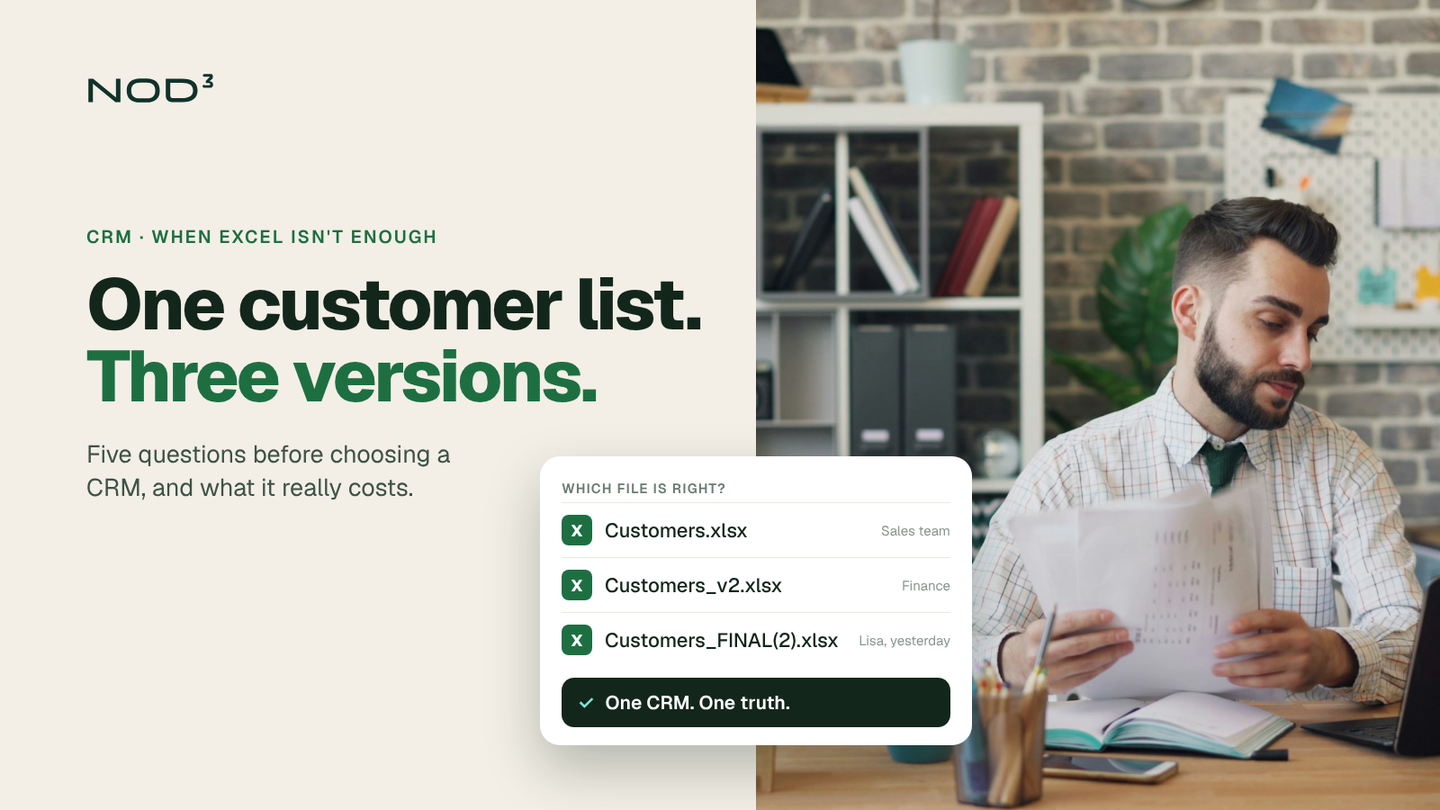
Most companies we meet have an Excel problem rather than a CRM problem, and it has grown so big that nobody knows which file is the right one any more. The customer list exists in three versions, the quotes sit in someone's inbox, and the follow-up lives in the head of whichever salesperson happens to be on holiday.
Five questions to ask before you choose
Before you book a single demo, gather the people who sell, the people who invoice and the people who answer customers. Go through these questions together:
What customer information does everyone need to see?
Where does a deal start, and who owns it after that?
Which systems does the CRM need to talk to, such as finance, web and email?
Who will produce the reports, and how often?
What happens to the data if you switch systems in five years?
The answers become your list of requirements. It is shorter than the vendors' feature lists, and that is the point.
If the answers show that your systems already clash, read Five signs your systems aren't talking to each other.
A CRM that nobody keeps up to date costs more than no CRM at all.
What it really costs
The licence is rarely the big cost. Also count the time to move and clean data, connect the CRM to your other systems and teach the team new routines. A worked example: five users on a plan at USD 35 to 39 per user per month, such as Attio Plus (opens in a new tab) or Pipedrive Growth (opens in a new tab), cost USD 2,100 to 2,340 a year in licences (annual billing, prices checked in October 2026). A few weeks of work on data migration, integrations and training can easily cost more than that.
That is why it pays to start narrow: one flow, one team, one report. Expand once the first one is in place.
Three mistakes we see time and again
Buying for the future. You don't need the features you might use in three years. Choose a system you can grow into instead.
Moving all the old data. Bring over what you need for day-to-day work. The rest can stay in an archive.
Nobody owns the system. Appoint one person responsible for fields, rules and training. Otherwise things soon start to slip again.
How to get started
Start with a systems and workflow review: what does your process look like today, where are you losing time and which systems are already in place? After that, choosing a CRM is usually much easier than it seemed.
The best CRM is the one the team actually opens on Monday morning.
Frequently asked questions
How long does a CRM implementation take?
For a smaller company, often four to eight weeks from decision until the team works in the system, depending on how much data and how many integrations are needed.
Do we have to drop Excel completely?
No. Excel still works well for analysis. The customer records and follow-up move to the CRM, so everyone works from the same version.
Can you help us with a CRM that isn't mentioned here?
Yes. We work in many different CRMs, including ones that aren't listed on our website.
What would you like to improve?
Tell us about your situation and what you want to achieve. One of our founders will reply within two working days and help you identify a first step. The first conversation is free and there is no obligation to proceed.
What happens next?
- We review your inquiryWe read your inquiry and reply within two working days.
- We clarify the next stepWe ask follow-up questions or suggest a first conversation.
- You decide whether to proceedIf we can help, you receive a proposal for the next step with a defined scope and price.